
You, on lead
Take the mic in the close-up and keep the band playing behind you. The safest first video, and the one most people post.
SMALL ROOM, BIG VOICE NEW
Put anyone at the desk.
Make a Tiny Desk AI video from a single photo: upload a face and our AI places you in a Tiny Desk concert-style performance, from one person to a five-piece band. Cast one face or all five for the same price, with the same four-shot cut and soundtrack.
From $8.99 · one-time purchase, no subscription. Failed renders return your pass.
Loading the desk-concert maker…
WHAT YOU GET
Every render is cut from the same clip: the room, the cuts, the camera and the soundtrack never change. Only the performers you cast do.
THE PROCESS
Start with one clear photo of an adult who agreed to appear. Tap a performer on the stage to upload a face, or drop the photo straight onto their seat.
Cast one to five people as lead vocals, sax, keys or backing singers. Add one photo per seat. One person or the whole band, the price stays the same; unfilled seats keep the original cast.
Confirm consent and press make. When the render is ready, download your 18-second, four-shot vertical 9:16 MP4 with the soundtrack, ready for TikTok, Reels and Shorts.
REAL RENDERS
Two finished renders from the actual pipeline. One is the full dog cast the clip starts with; the other replaced a single seat. Your render keeps the room, the cuts and the song — only the faces change.
One seat replaced: a college coach steps in for the lead. Every other performer, the cuts and the song stay exactly as they were.
What every render starts from: the whole desk cast as dogs. Swap nobody and this is the clip; swap one seat and your face takes over.
MORE CASTS
Renders made with our own generator, from single portraits to full crews to pets. Upload one photo per seat; faces are picked out of the frame automatically.
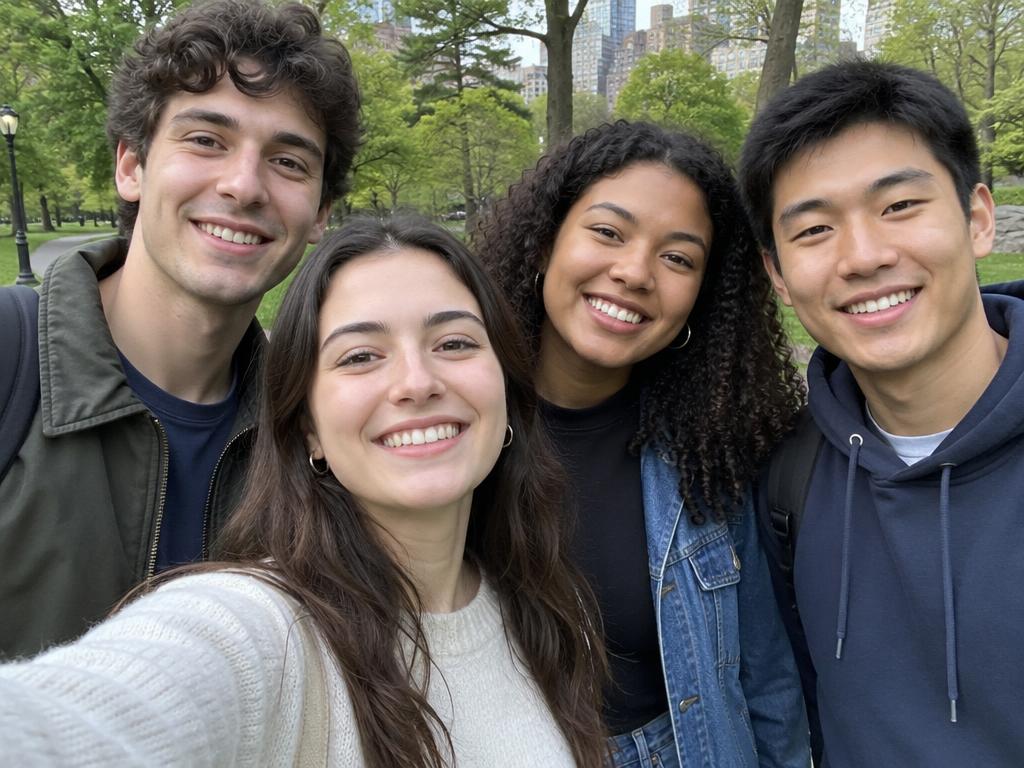
Four friends on one mic. Group photos work — faces are picked out of the frame automatically.
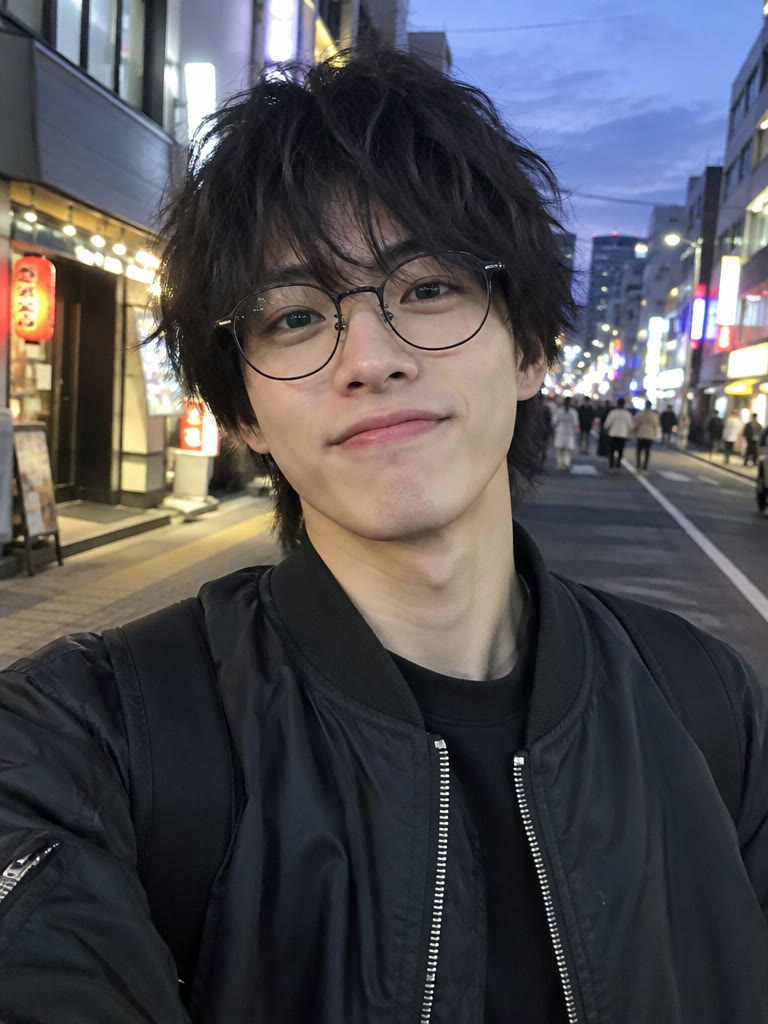
One person carries the whole set. The most common cast: you on lead, the room filling in around you.
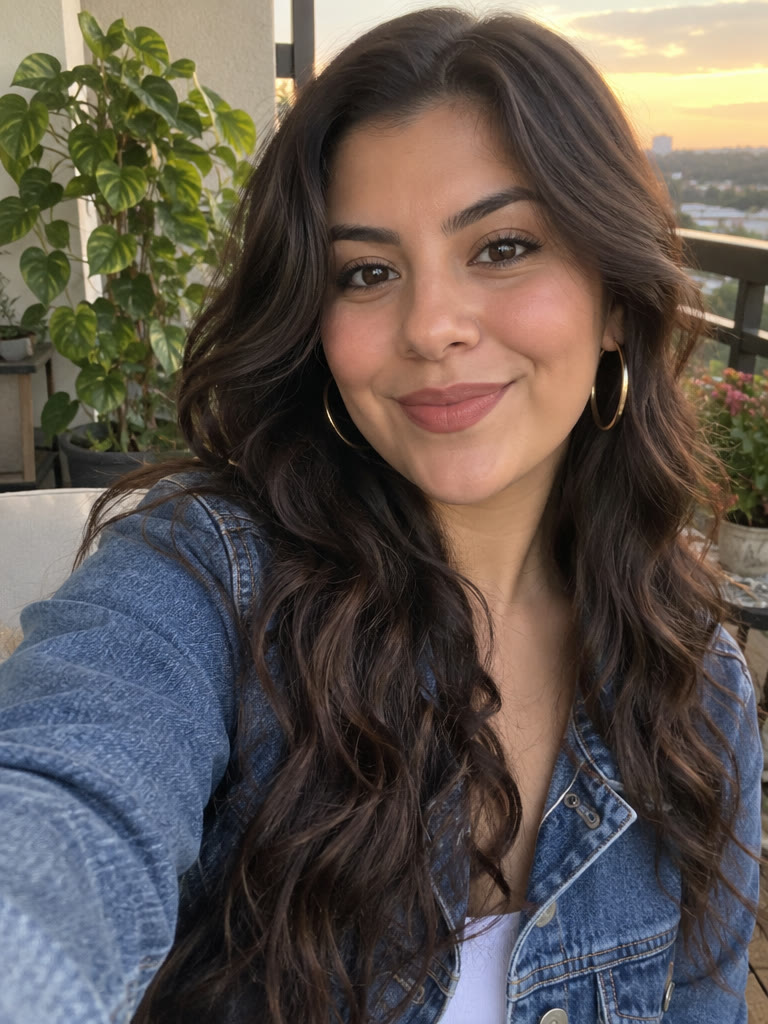
A portrait becomes the frontman. Shoot against a plain wall and the swap is seamless.
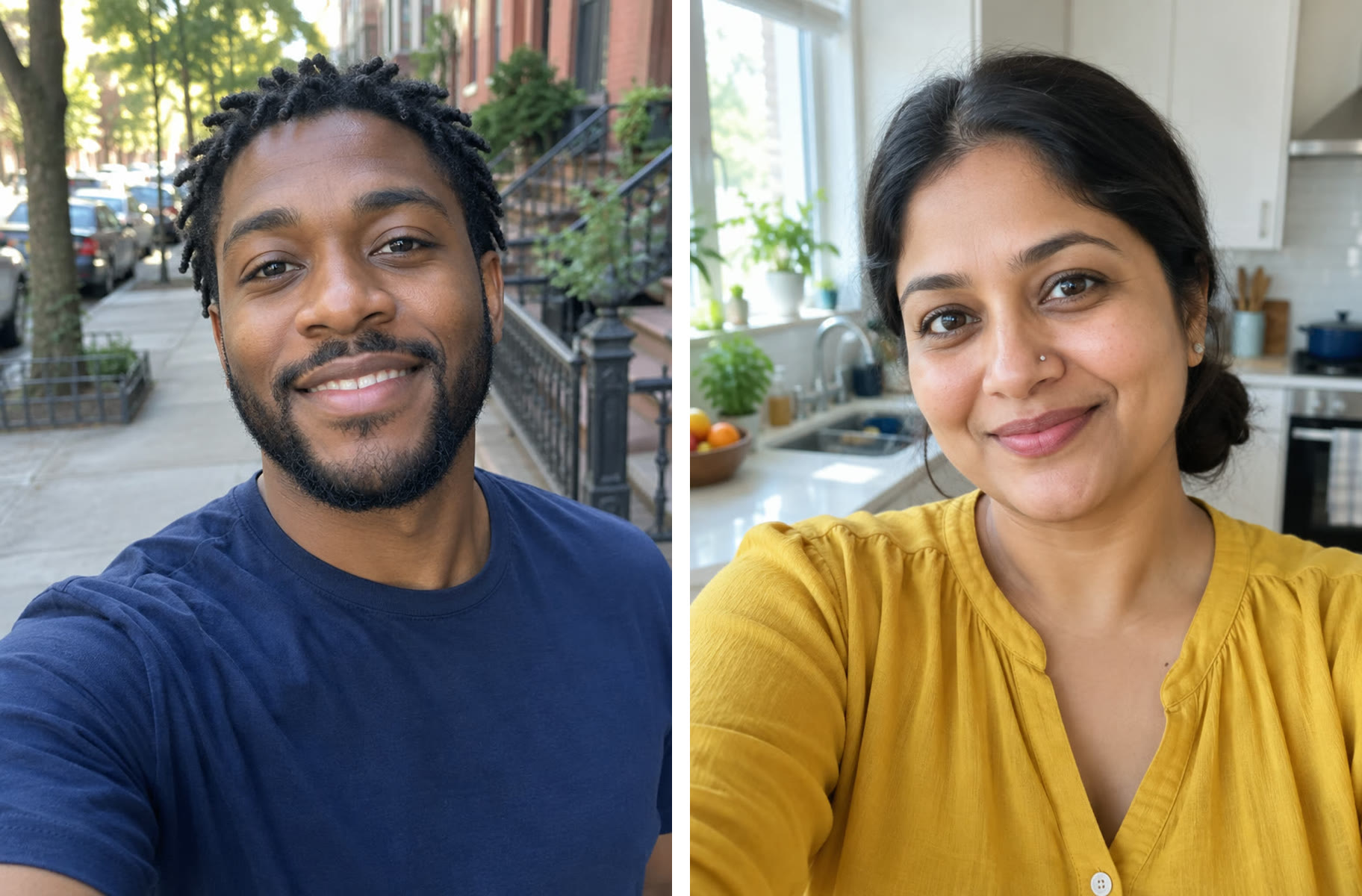
Two voices share the mic. Couples, bandmates, rival coworkers — the clip does the comedy for you.
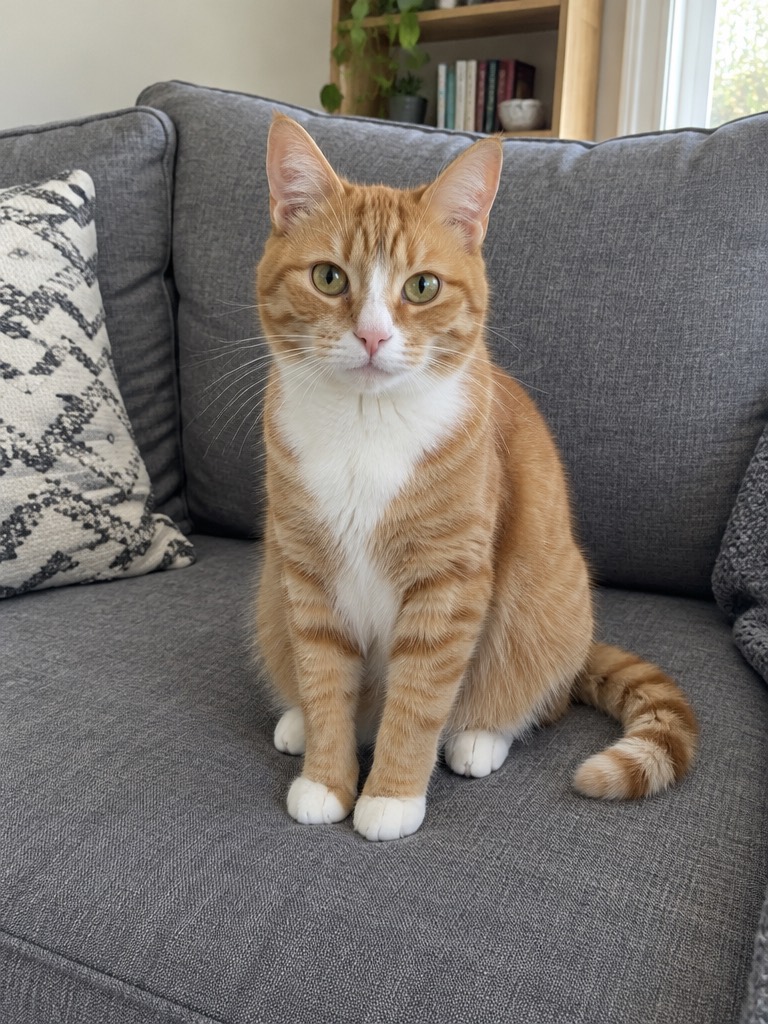
Dogs and cats front the band all the time. Face the camera, and keep the tongue out of the sax solo.
The badge shows the photo each cast was built from. Tap a card to play; unmute for the soundtrack.
TREND REFERENCE
The clips this format comes from are already circulating on your For You page. We keep them here unaltered, credited to the posters — they are not made with this site.
PICK YOUR CAST
Take the mic in the close-up and keep the band playing behind you. The safest first video, and the one most people post.
One photo each, five seats, one clip. The group chat at the desk is the version that gets forwarded.
Whoever lost, gets the mic. Same desk, same song, entirely different mood in the comments.
A dog on the lead is the version that travels furthest. One clear photo is enough.
WHERE IT COMES FROM
NPR Music publishes Charlie Wilson’s Tiny Desk concert. He closes the set with “Outstanding”, the 1982 Gap Band hit.
A four-shot edit of that performance starts travelling: band wide, lead close-up, sax solo, band again. TikTok fills with versions where the band is someone else.
Your turn. Pick the seats, add the faces, keep the same cut.
WHAT IT COSTS
A pass makes one desk concert, whatever the cast size. Pay once, no subscription, and a failed render returns your pass.
$8.99
$8.99 / video
$24.99
$8.33 / videoSave 7%
$59.90
$6.66 / videoSave 26%
USD prices. Taxes and the final total appear at checkout. Passes are separate from image credits and work across eligible video effects.
GOOD TO KNOW
The details before your first creation.
Tiny Desk AI is a photo-to-video maker for a Tiny Desk concert-style performance. Upload a photo, choose a seat and get an 18-second clip with your people in it — same room, same four shots, same soundtrack. Nothing to edit and nothing to type.
Yes. Cast 1–5 people for the same price: one Video Pass per video. The five seats are lead vocals, sax, keys and two backing singers. Upload one photo per person; seats you leave alone keep whoever is in the clip.
One Video Pass per video starts at $8.99. Packs bring the price per video down to $8.33 for three and $6.66 for nine. One-time purchase, no subscription, passes never expire.
Yes. Each clip uses one Video Pass to cover its AI render. If a render fails, your pass is returned automatically.
No — that is the point of the stage. One photo is enough to start. You can leave the other seats as they are, add more photos one by one, or swap seats at any time before pressing make.
Kling 4.0 in video-edit mode. It takes the template clip and your photos in one run, keeps the shots, the motion, the lip movement and the camera work frame by frame, and replaces only the performers you cast. Likeness is strong but not identical — expect a very good likeness, not a twin.
Usually a few minutes. You can close the tab: sign back in and the video is waiting. You do not need to keep the page open.
An 18-second vertical 9:16 MP4 at 720p with the soundtrack, cut into the same four shots as the original. Sized for TikTok, Reels and Shorts.
Because it is the same cut. We do not generate a new scene: the template clip is the base of every render, and only the performers are replaced. That is why the room, the shelves, the cuts and the timing never drift.
The desk-concert format comes from NPR’s Tiny Desk series, and the four-shot edit that went viral in late 2026 is fan-made. This site is an independent tool and is not affiliated with NPR, Tiny Desk Concerts, Charlie Wilson or The Gap Band.
No. No editing app, no template file and nothing to type. Tap a seat, add a photo, press make.
A recent photo of one person looking at the camera in good light, with the face unobstructed. Group photos, sunglasses, cartoons and heavy filters swap badly. A clear head-and-shoulders shot with the outfit visible gives the model more to work with.
Only with their permission. Do not upload photos of people who have not agreed to appear, and never use a result to imply that someone really performed. If the model refuses a photo, the pass for that render is returned.
Yes, as a personal video. Do not present it as real footage or use it in advertising.
A failed render returns its pass on its own. If a finished video is clearly broken, contact us within 7 days and we return the pass. Results vary, and likeness is never guaranteed.
They are used only to make your video and sent to our AI video provider for that render. Use photos you have the right to edit, and only of adults who agreed to appear.
One photo is enough. Pick the seats, let the band fill in, and post it before the conversation moves on.
Cast your desk bandIndependent tool. Not affiliated with NPR, Tiny Desk Concerts, Charlie Wilson or The Gap Band. The music in your clip is generated for your video. Only upload photos of adults who agreed to appear.