Visual Maker AI
Sign in
Visual Maker AI

AI Zombie Video Generator

Turn two photos into a cinematic zombie story. Watch original video examples, choose a detailed scene prompt, then make a short vertical clip with your own characters.

Start creating

Want a dedicated 15-second couple reunion with role selection and shared Video Passes? Create a Zombie Couple Video.

See the photo-to-video results

These original examples use a living survivor as photo 1 and an infected friend as photo 2. The scene prompt controls the action, camera, lighting, and what to avoid.

Original example · The reunion

Two portraits, one short story

Assign each reference a clear role. Describe the visible action in order so the model has a simple scene to follow.

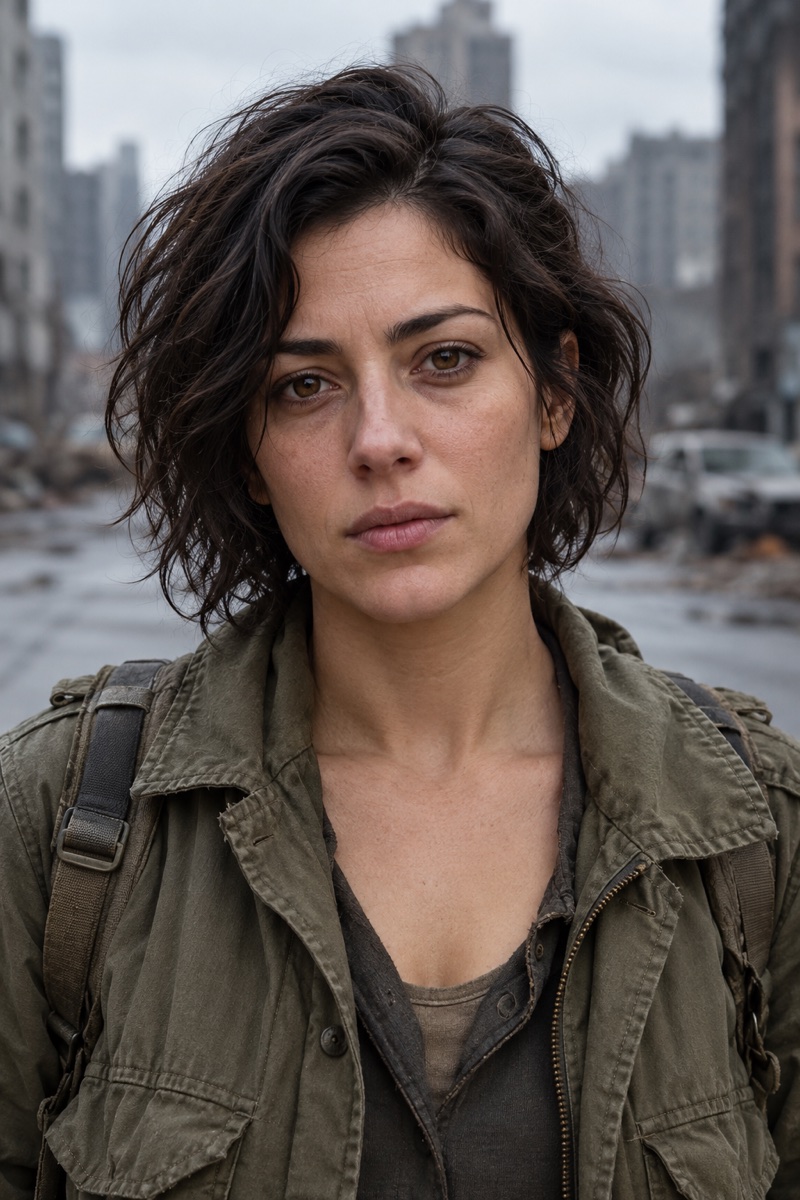
Reference 1: the living survivor
1 · Survivor
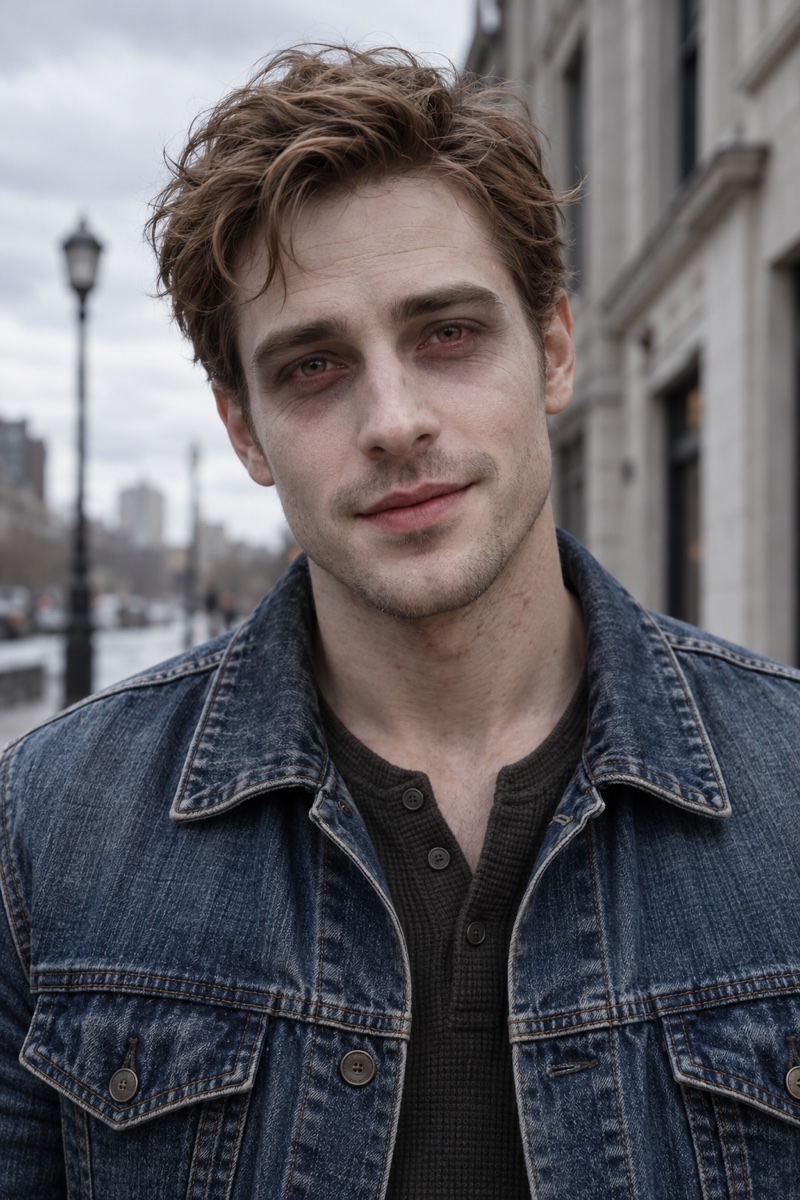
Reference 2: the gentle zombie
2 · Zombie
Use the reunion prompt

Original example · The last train

A different setting and a stronger zombie look

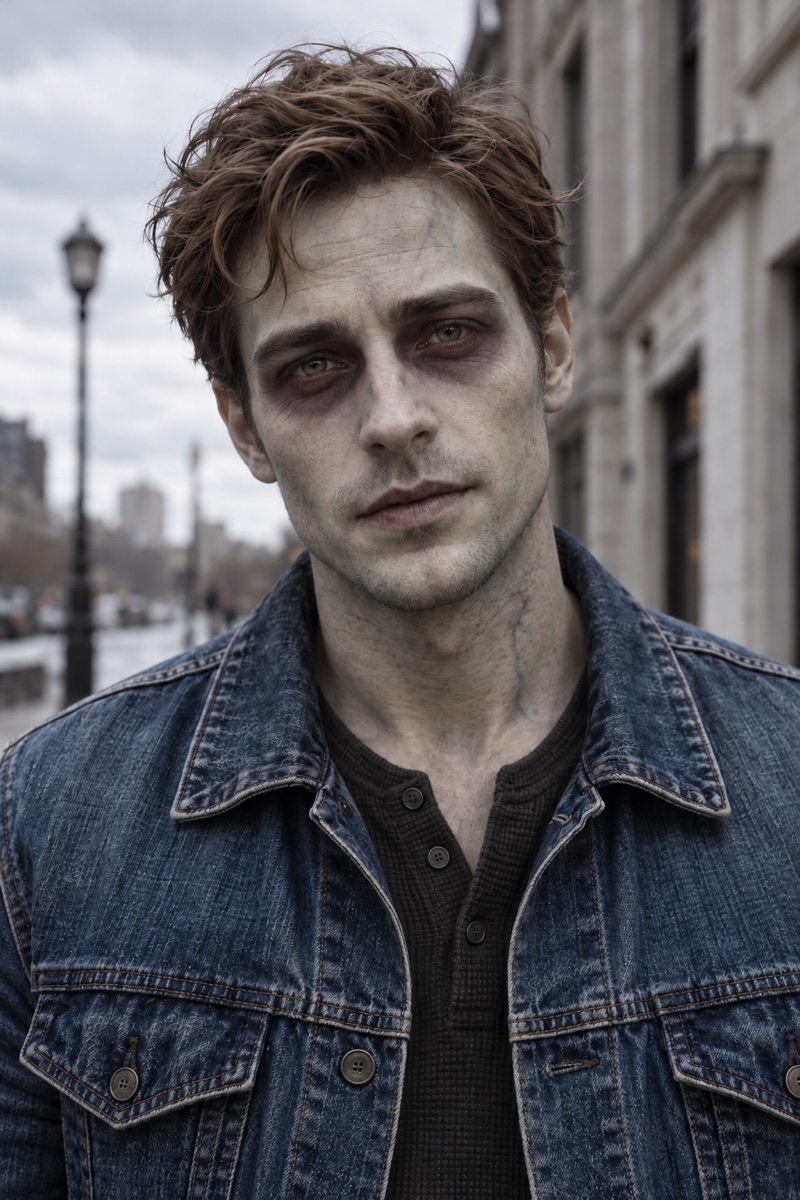
The survivor sees her infected friend on an empty platform. This version uses more visible theatrical makeup while keeping the same two-character reference workflow.

Train scene reference 1: the living survivor
1 · Survivor
Train scene reference 2: visibly made-up zombie
2 · Zombie
Use the train prompt

Create now

Make your zombie video

Upload the living subject first and the zombie second. The selected prompt is editable before generation.

Loading video generator…

Choose a precise zombie scene prompt

These prompts specify roles, setting, action beats, camera movement, and exclusions. Adapt the appearance details to your own photos before generating.

Rainy street · gentle romance

The reunion

Vertical 9:16 original cinematic zombie romance, six seconds. Reference image 1 is the living woman survivor in an olive jacket; reference image 2 is the gentle infected man in a denim jacket. Keep each face, hairstyle, clothing, and role consistent; never swap or merge them. On an empty rain-damp city street at blue hour, the woman steps toward him with caution, recognizes him, then they embrace softly. Slow handheld camera push-in, natural body motion, cool mist, subtle theatrical zombie makeup only on the man, emotionally warm ending. Exactly two adults. No gore, injuries, biting, weapons, extra people, text, logos, subtitles, or famous characters.

Use this prompt

Empty platform · cinematic suspense

The last train

Create one original six-second vertical zombie video. Reference image 1 is the living survivor; reference image 2 is their infected friend. Preserve both people’s facial features, hairstyles, and clothing. On an empty underground train platform, the survivor hears footsteps, turns, and recognizes the friend beneath soft, non-graphic zombie makeup. The friend stops at a safe distance and slowly offers a hand; the survivor reaches back. One continuous medium shot with a slow dolly-in, flickering station lights and drifting dust. End on their hands meeting. Exactly two people; no role swaps, face merging, blood, wounds, biting, weapons, crowds, text, or logos.

Use this prompt

Abandoned diner · playful mood

Still best friends

Make a playful six-second 9:16 zombie friendship clip from two reference photos. Image 1 is the human friend; image 2 is the friendly zombie. Keep their identities, outfits, and relative positions stable. Inside an empty retro diner at dusk, the human friend slides a milkshake across the counter; the zombie friend smiles and raises the glass in a quiet toast. Start as a waist-up two-shot and move the camera gently closer. Soft neon reflections, subtle theatrical zombie makeup on image 2 only, natural hand motion, warm comic timing. No blood, wounds, biting, extra people, changing faces, text, logos, or copyrighted characters.

Use this prompt

How to create your scene

Use two clear, well-lit portraits. Upload the survivor as image 1 and the zombie as image 2, then edit clothing and hair details in the prompt so they match your photos. Keep the action simple enough for one short clip.

Review the finished clip before sharing. Use photos you have permission to upload and get consent from recognizable people. For a longer story, continue in Film Studio.

AI zombie video questions

How do I make an AI zombie video from photos?

Upload a clear photo of the living subject first and the zombie subject second. Choose a scene prompt, adjust its details to match your photos, and generate a short clip.

Can I change the scene and character roles?

Yes. Edit the setting, action, and mood in the prompt. If you change who is the survivor or zombie, update the image 1 and image 2 role descriptions as well.

Does this make a complete multi-scene zombie film?

This generator creates one short video clip. For a story with multiple editable shots, use Film Studio after creating your first scene.