
1 Pass
$8.99
One-time purchase · never expires
- 1 permanent pass
- One-time purchase, no subscription
- Failed generations refunded
THE PHOTO-TO-DANCE STUDIO
Your favorite photo has a new move. Turn yourself or your pet into a playful two-step video, ready for your next post.
From $8.99 · One-time Video Pass · No subscription
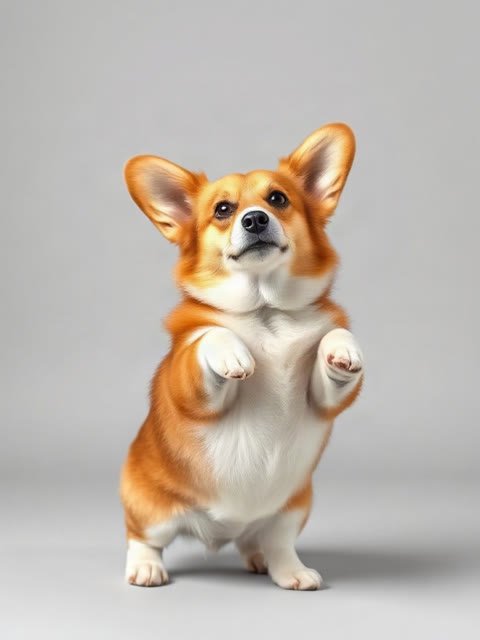 Pets have moves, too.
THE MOVES, IN MOTION
Third-party dance inspiration, not Visual Maker AI outputs. Cast, choreography and results differ; our generator creates one subject per clip.
A sunny street, a relaxed two-step and plenty of personality.
THE SOURCE IMAGEStill image → moving characterSee a corgi reference turn into a full-body dance, paws and all.
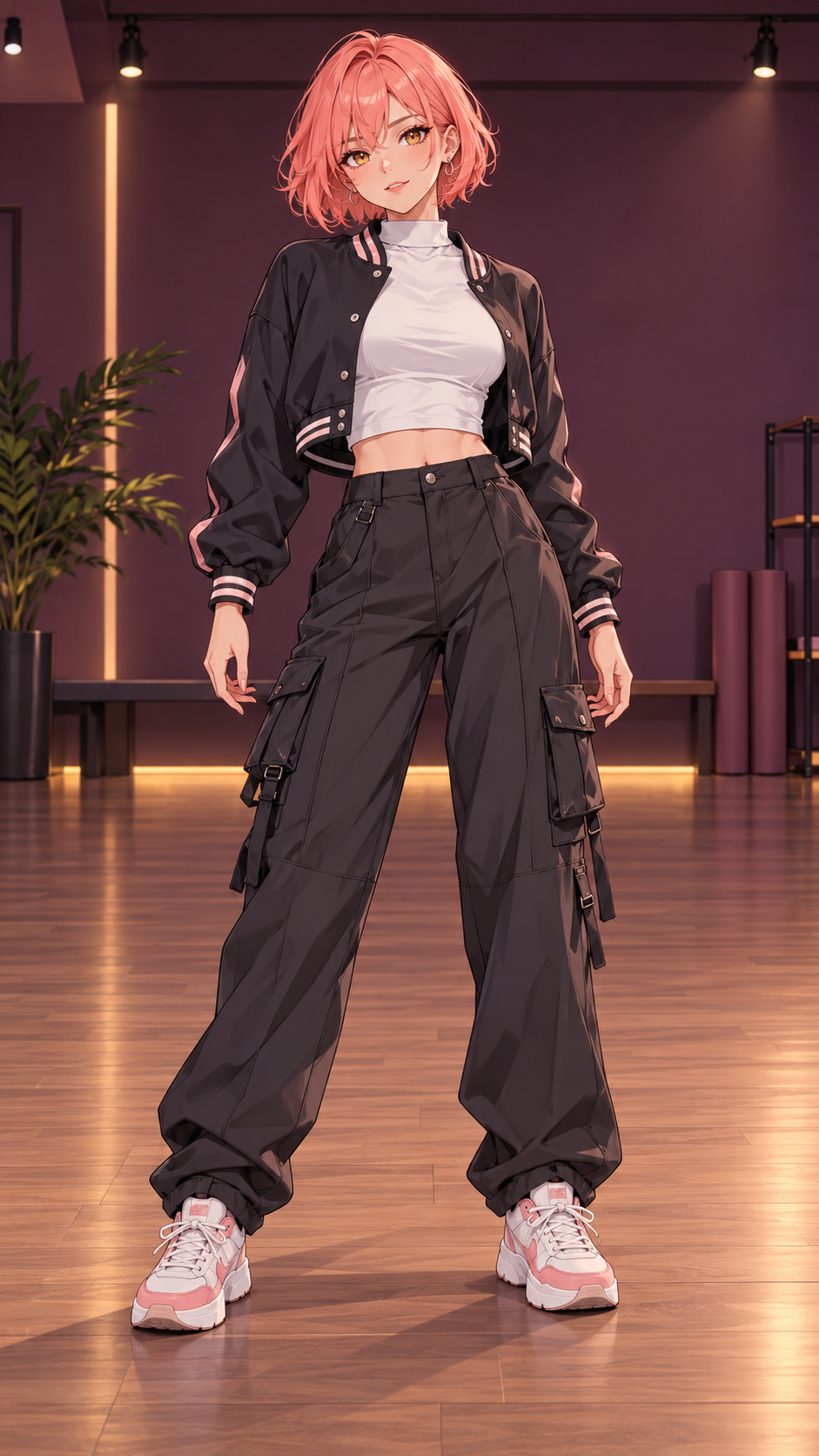 THE SOURCE IMAGEStill image → moving character
An illustrated character steps out of a still frame and into the routine.
Example clips retain their source audio. Your Visual Maker AI download is silent, ready for a sound you choose when posting.
NO REHEARSAL REQUIRED
Choose your photo.
We’ll take it from there.
Head to toe in frame, facing the camera, good light. Choose one adult or one pet, with room around the hands and feet. Confirm you have permission to use the photo.
Choose 10 or 15 seconds, always in vertical 9:16. The Babydoll two-step is built in; 720P uses one Video Pass and 2K uses three. The cost shows before you generate.
Review the clip, download the silent MP4, then choose an available sound inside TikTok, Reels or Shorts.
NOW IT’S YOUR TURN
One subject. A built-in routine.
Your own take on the two-step.
Pay once · create later
Video Passes never expire and work across eligible video effects. Choose a one-time pack and create when inspiration strikes. Either length uses one pass at 720P or three at 2K. Photo credits are separate.
$8.99
One-time purchase · never expires
$24.99
One-time purchase · never expires
$59.90
One-time purchase · never expires
USD prices. Taxes and final total appear at checkout. Packs activate after payment is confirmed.
BEFORE YOU HIT CREATE
Everything you need to know
before your first two-step.
Upload one clear full-body photo, choose Person or Pet and 10 or 15 seconds, then generate. The two-step is built in, so there is no prompt to write. Download the 9:16 MP4 and add the song when you post.
No. The video exports silent so you can choose a sound from the TikTok, Instagram Reels or YouTube Shorts library when posting. Track availability and permitted uses depend on the platform, your region and your account type.
Yes. Switch to Pet mode and upload a full-body photo of your pet. The prompt asks it to stand up and bounce through the moves. Pet results vary more than people; anatomy and paw movement may need another take.
Usually the photo is cropped or dark. Use a sharp, well-lit, head-to-toe photo with room around the hands and feet, and a single subject. AI choreography is approximate, so a completed clip can still have imperfect hands or timing.
It uses Video Passes, a one-time purchase with no subscription. Packs start at $8.99 for one pass. Either length costs one pass at 720P or three at 2K. The exact cost appears before generation, and passes for failed generations are returned. General credits are separate.
No. Upload only yourself, your pet, or an adult who agreed. Photos of celebrities, public figures and anyone under 18 are not allowed. Independent tool. Not affiliated with the artist, the label, or TikTok. AI results vary; label realistic AI videos as AI when you share them.
A BETTER FIRST TAKE
Start with a sharp, well-lit full-body photo. Keep the head, hands and feet visible, with room to move. Face the camera with relaxed arms and a neutral pose.
Use even daylight or a bright lamp. Avoid strong backlight, heavy filters, sunglasses and hats covering the face. Simple, fitted clothing gives the model a cleaner silhouette than loose layers or busy patterns. Crop out other people, reflections and overlapping bodies.
For pets, choose a clear front or side full-body view with paws and tail visible. Pet anatomy can vary. Only upload yourself, your pet, or an adult who agreed; no celebrities, public figures or anyone under 18.
The Babydoll dance trend pairs the song Babydoll with a relaxed two-step: bouncy forward chugs, a side step and together, a quick ball change, relaxed step-touches and an arms-up finish. Our fixed routine is an original AI interpretation guided by your photo.
Choose 10 seconds for a compact clip or 15 seconds for more room for the side steps and finishing groove. If hands or feet look odd, try a sharper photo with more space around the subject.
Review faces, clothing and timing before posting. Make separate clips for a friend series, then edit them together. Add music from your posting platform’s sound library and check the allowed use for your account. Your download contains no song or recording.
YOUR CAMERA ROLL HAS POTENTIAL.
One photo. Your two-step. A clip that’s yours to share.