
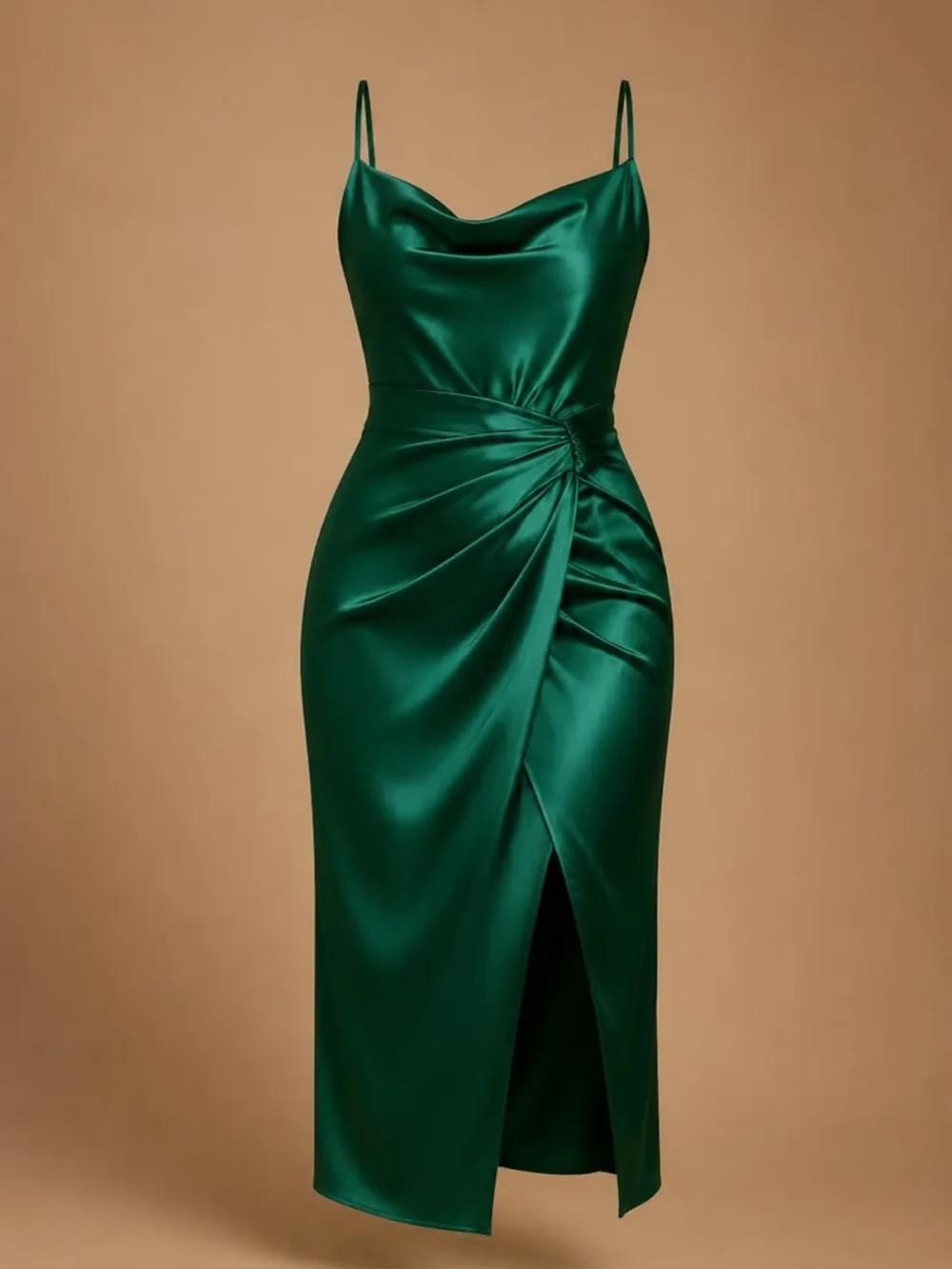
Dresses & one-pieces
Show the full length of the dress in your reference.
THE PERSONAL STYLE STUDIO NEW
Try any outfit on your own photo.
A new layer. A different silhouette. Maybe a new haircut, too. Bring your photo and explore your next look.
One photo. A whole new look. Drag to compare
A DIFFERENT OUTFIT. THE SAME YOU.
From everyday layers to something a little more dressed up. Drag to explore each look.
REFERENCEA white tee and jeans, reimagined as an emerald satin dress.
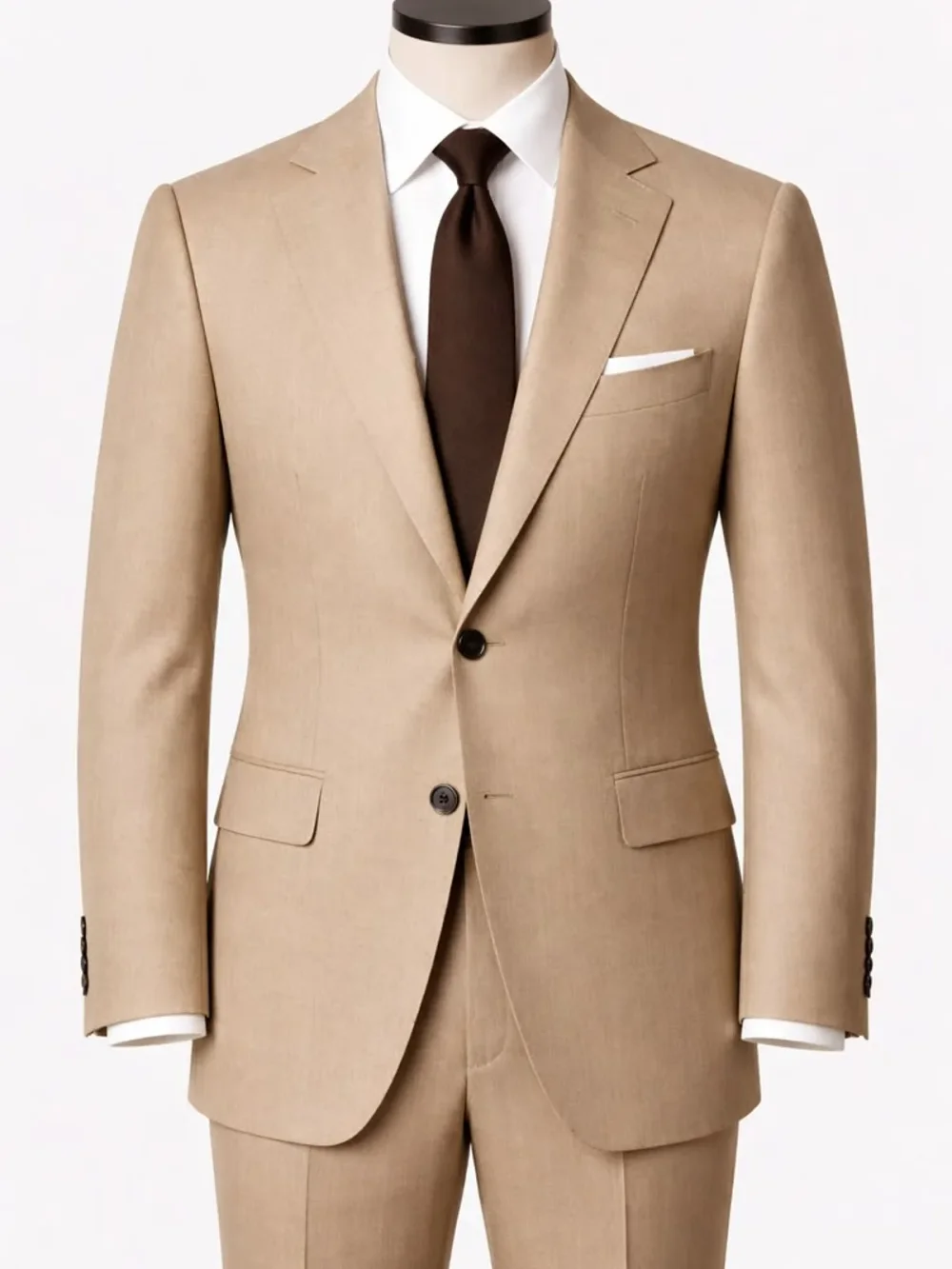 REFERENCE
Swap a simple black top for a tailored tan suit.
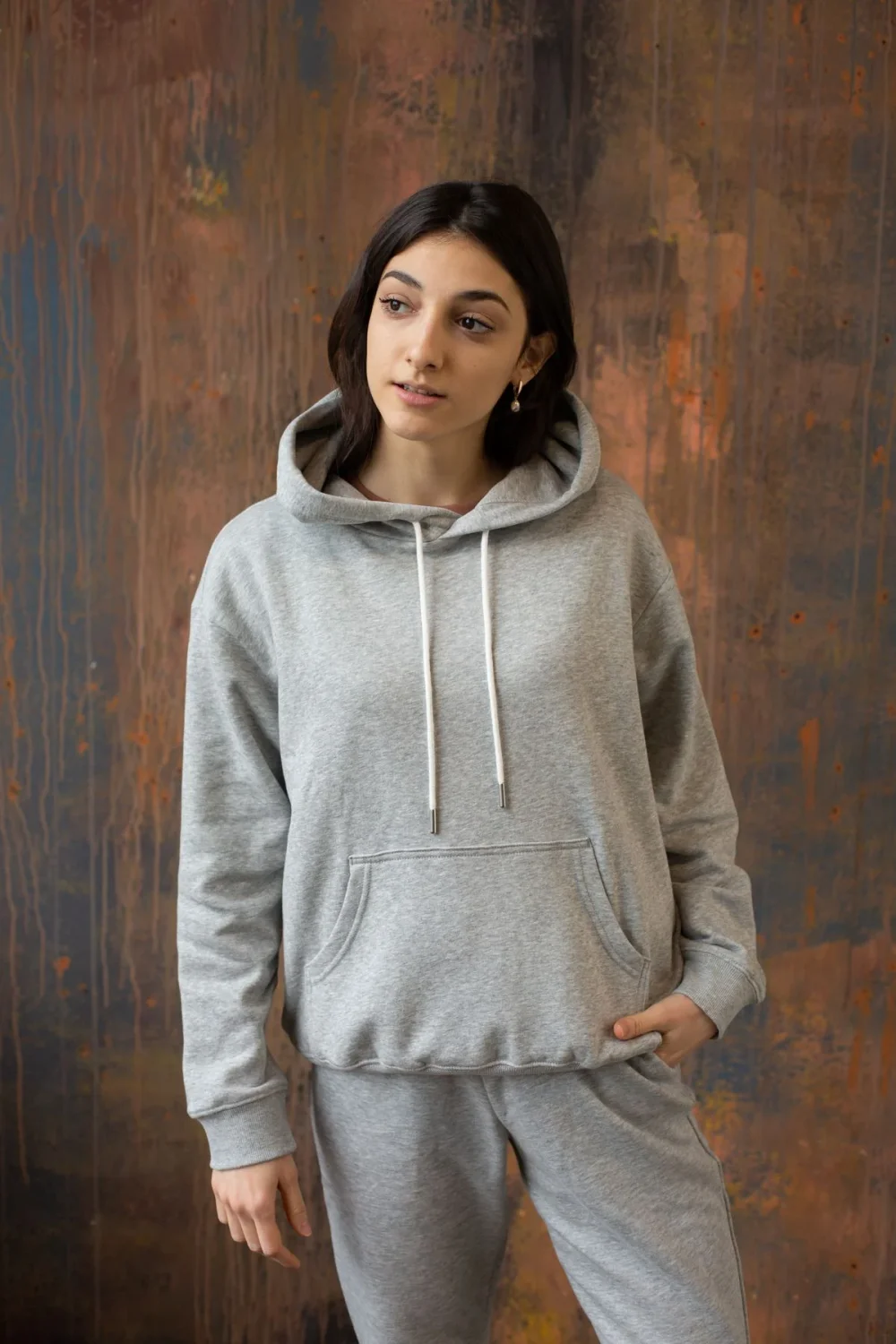 REFERENCE
Explore a relaxed grey tracksuit in a familiar street setting.
THE PROCESS
Choose a clear, well-lit half-body or full-body picture. Keep the clothing area visible and use a photo you have permission to edit.
Upload a clear garment photo. The model uses the reference to identify which clothing to replace. You can also pick an optional hairstyle from 79 women’s and 66 men’s presets; your face stays the same.
Review the exact credit cost, generate one still image, drag the comparison slider and download. Try another outfit while keeping your person photo.
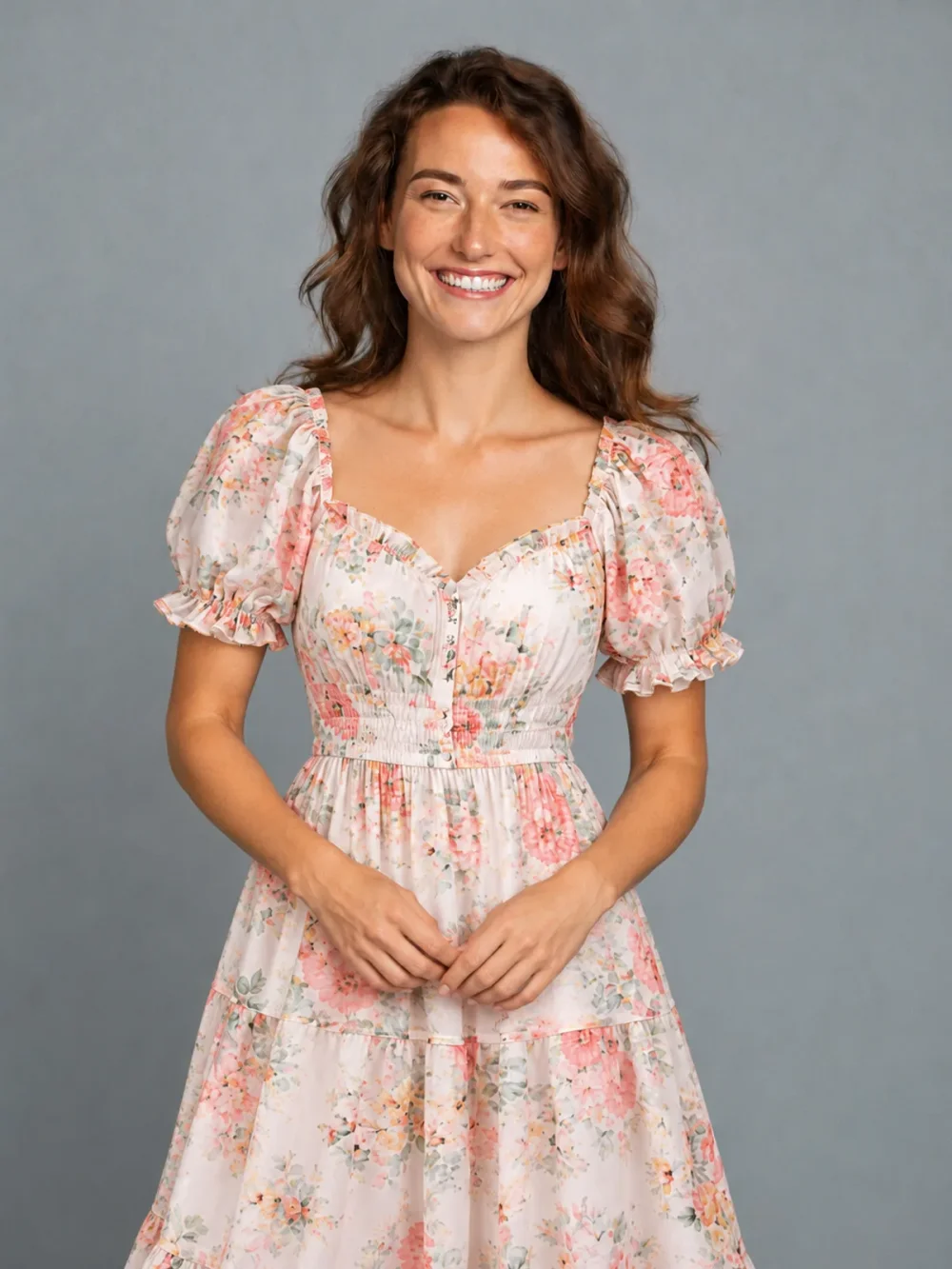
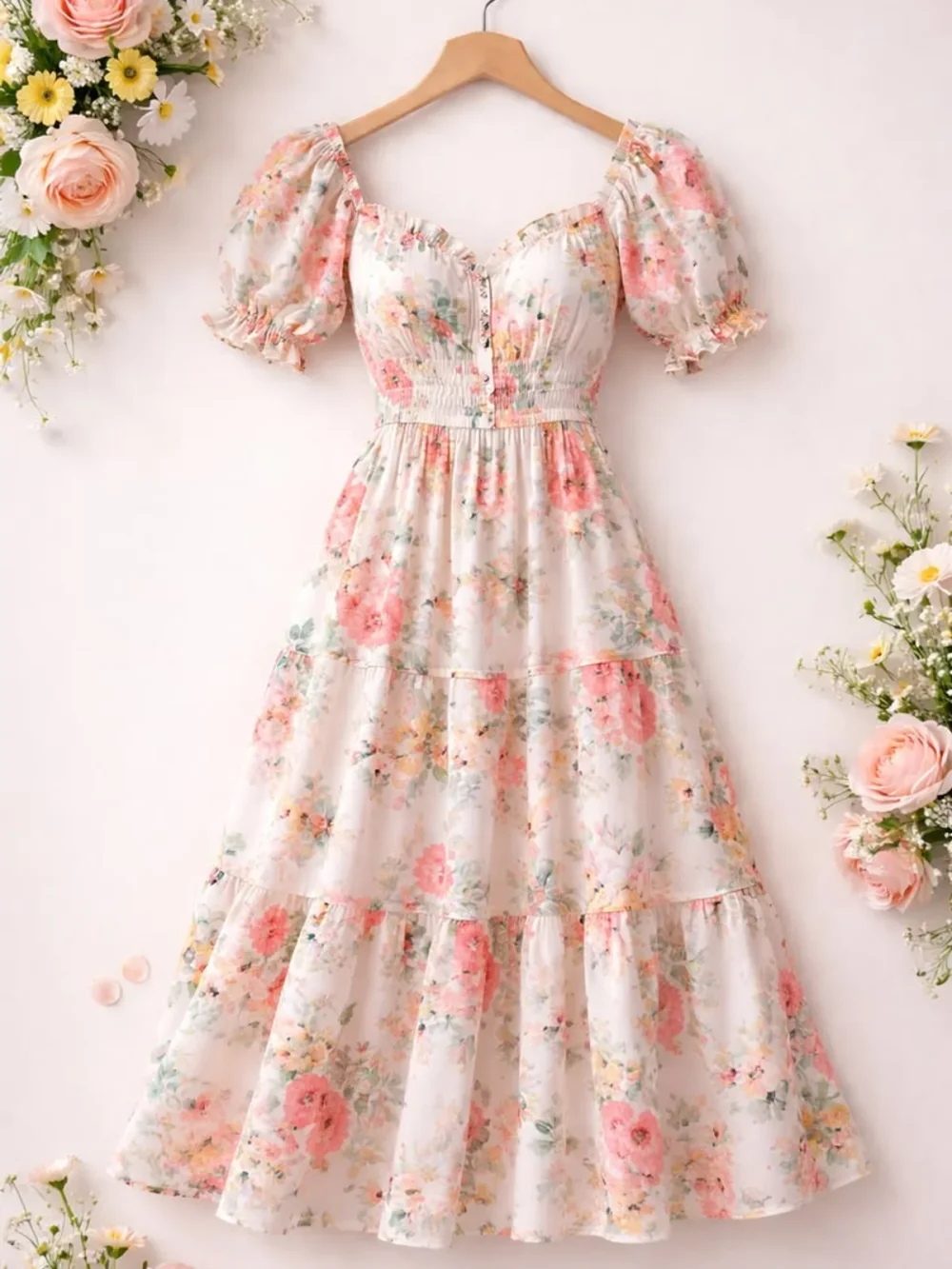 THE OUTFIT REFERENCE
YOUR PHOTO. YOUR NEXT LOOK.
That dress you saved. A sharper jacket for your profile. A whole new direction for your wardrobe. Bring the garment you have in mind and see an interpretation on your own photo.
START WITH THE RIGHT REFERENCE
A product photo, a hanger shot or a complete look. Upload a clear reference. The model identifies which clothing to replace.
Show the full length of the dress in your reference.
Bring a complete look to reimagine the whole outfit.
Clean hanger and product shots make useful references.
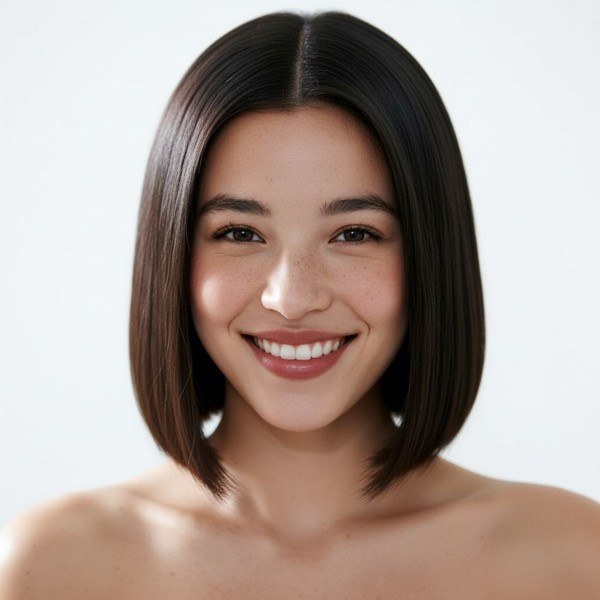
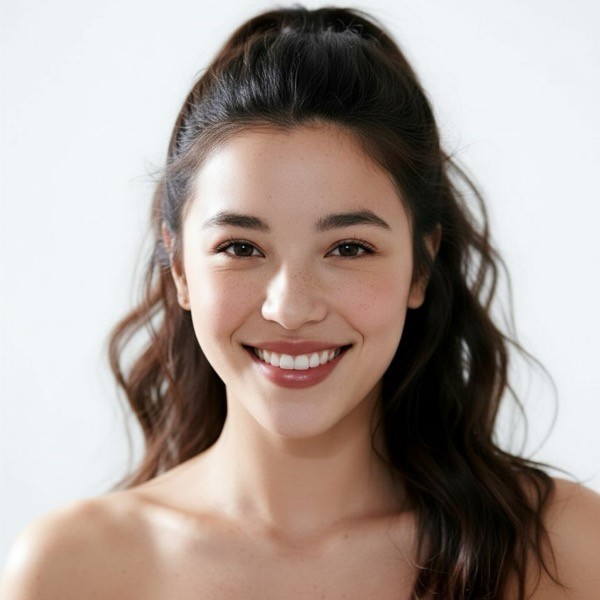
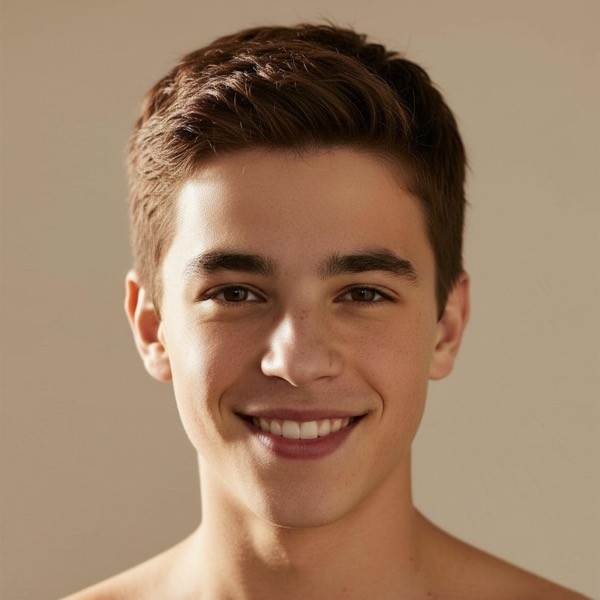
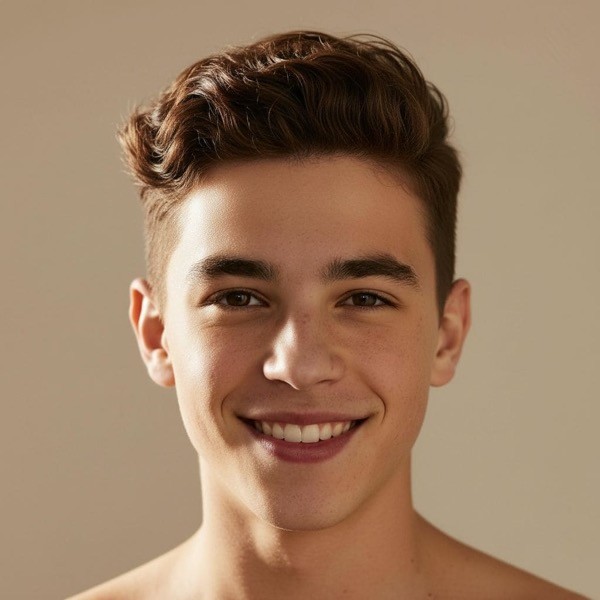 145 ways to change the mood.
THE FINISHING TOUCH
Explore 79 women’s and 66 men’s hairstyles alongside your outfit. Pick a cut and shape while keeping your natural hair color, or leave it on Keep my hair.
It is one image, one generation. Choosing a hairstyle adds no extra charge.
Find your look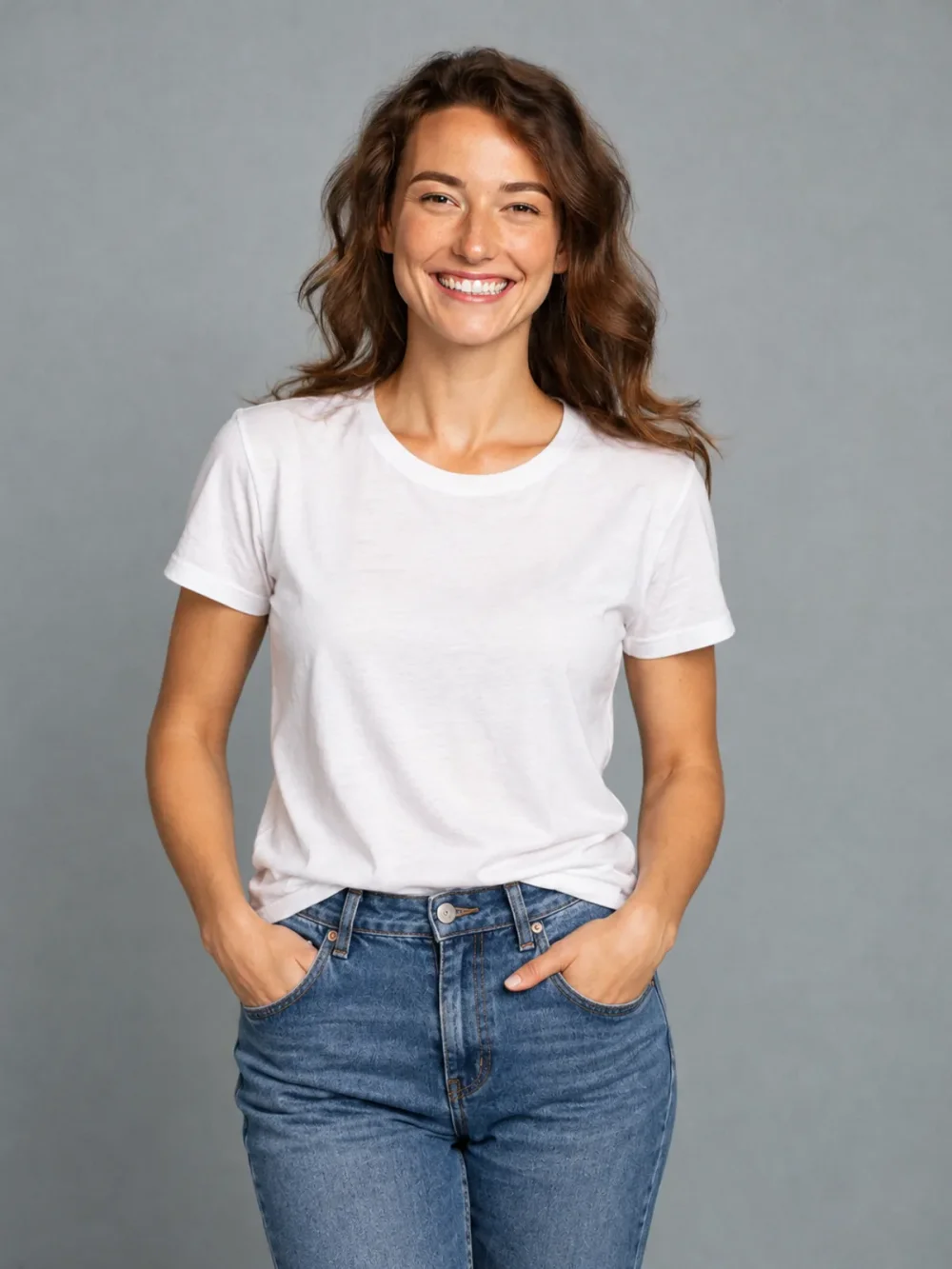 A clear starting point.
SMALL DETAILS. BETTER RESULTS.
Choose a well-lit half-body or full-body photo. Show the entire area you want to replace, with arms and bags clear of the fabric.
Use a complete garment on a hanger, mannequin or clean background. Strong detail and an unobstructed silhouette help describe your look.
Full-length dresses and trousers work best with full-body photos. A half-body portrait is a good starting point for tops and jackets.
GOOD TO KNOW
The details before your first creation.
Upload your photo and a garment image. The model identifies the clothing to replace from your garment reference. The image model uses these instructions to create a new still image, aiming to preserve your identity, pose and surroundings. Review the result before sharing.
Yes. Use a flat-lay, hanger, mannequin or clean product photo in JPG, PNG or WebP, up to 30 MB. Include the entire garment and avoid distracting backgrounds.
You can upload a top, trousers, skirt, dress, jacket or a complete outfit. The model uses that reference to identify the corresponding clothing in your photo and is instructed to preserve unrelated garments. No area selection is needed.
The prompt asks the model to preserve your face, skin tone, body, pose, hands, lighting and background. Keep my hair also preserves your hairstyle and hair color. AI can introduce unintended changes, so inspect faces, edges and details before using a result.
One 1K image currently costs 12 credits with GPT Image 2.5. The exact cost is shown before you generate and updates with resolution. An optional hairstyle costs the same as clothing alone. New accounts get 10 credits to start.
Use a clear front-facing half-body or full-body adult photo in even lighting. Keep arms and objects away from the clothing. A full-body picture works best for long dresses, trousers and complete outfits. Avoid heavy filters, cropped hems and extreme poses.
Yes. Download the still image or create a phone download QR code after generation. Uploaded images are processed to provide the service, including by image-generation providers. See our Privacy Policy for data handling, retention and your rights. Keep phone transfer links private; they expire after 10 minutes.
Yes. After choosing clothes, pick one of the 79 women’s or 66 men’s preset hairstyles. We instruct the model to preserve your face and natural hair color and change only the cut and shape. Leave Keep my hair selected to change only the outfit. It costs the same 12 credits per 1K image.
AI results vary. Use your own photo or an adult who agreed. Generated clothing does not establish actual sizing or fit.